01 / THE USE CASE
Who is Logitech Combo Touch for iPad Air for?
This version makes sense for an iPad Air that already serves as a work or study device. The key value question is whether a keyboard and trackpad will be used often enough to justify the case. A student who drafts assignments may benefit more than someone who mainly reads and watches videos. The correct Air generation and size are essential parts of the purchase.
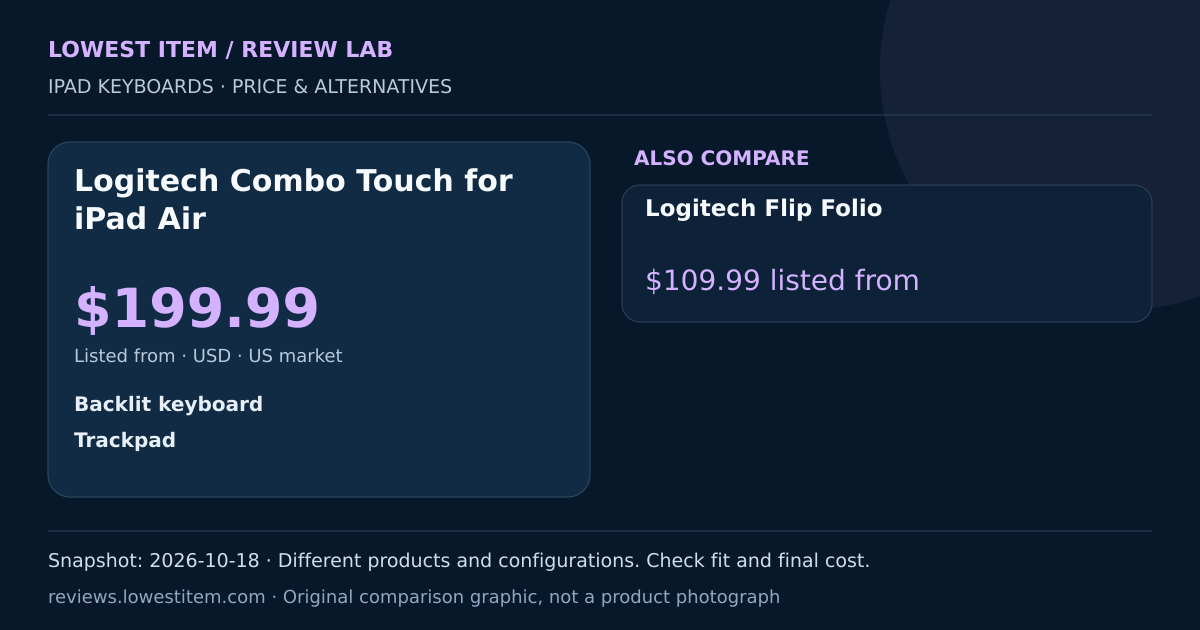
- Backlit keyboard
- Trackpad
- iPad Air-specific case
Feature summary from the linked manufacturer listing. The guidance is editorial analysis of those specifications.
02 / PRICE SNAPSHOT
Compare the listed starting prices
These are different products and configurations. The lowest number identifies the cheapest starting price in this table, not a guaranteed compatible substitute or a competing offer for the same SKU.
| Product | Listed from | Buying priority | Evidence |
|---|---|---|---|
| Logitech Combo Touch for iPad AirThis guide’s main product | $199.99Listed from; selected configuration | A keyboard and trackpad for an existing iPad Air | Price source ↗ |
| Logitech Flip Folio | $109.99Listed from; selected configurationLowest starting price in this table | A detachable keyboard for flexible iPad positioning | Price source ↗ |
A starting price may apply to one colour, keyboard layout, size or configuration. Stock and checkout discounts require a fresh check.
03 / THE TRADEOFF
What could make it the wrong purchase?
The Air, Pro and standard iPad versions are separate fit decisions. Do not use a cheaper price from another version as if it were an offer for your tablet. Consider the total weight and how much table depth the setup needs when opened. For occasional typing, a separately positioned keyboard can be more flexible than a permanently carried case.
iPad keyboards: the compatibility check
Find the tablet’s model number in Settings and match the seller’s exact compatibility list. Screen size alone is insufficient. Check keyboard language, connector arrangement and whether the package includes a trackpad. Compare the weight and support space needed for the whole tablet-and-keyboard setup, not just the accessory’s starting price.
04 / SEARCH THE STORES
Check today’s offers for this exact model
Use the manufacturer page to confirm the model, then compare retailer listings by condition, seller, warranty and delivered cost. Retailer search pages below are live searches; this guide has no verified price quote from those searches.
Keep new, used, refurbished and accessory-only listings separate. A very low search result may be a different variation. Shopping links open the named retailer. Adsterra sponsored offers are labelled separately.
05 / YOUR REAL BUDGET
Compare the delivered cost
A lower sticker price can disappear after delivery charges or import costs. Enter a current quote in USD. This calculator adds only the amounts you provide; it does not estimate local duty, fetch prices or convert currencies.
06 / EDITORIAL DECISION
When is it worth buying?
Choose for frequent typing on a supported iPad Air. Compare Flip Folio on compatible models, and check the exact Air size attached to the advertised starting price.
Sources and comparison method
This is a research-based buying comparison, not a hands-on test. Prices were read from public US manufacturer listings on 2026-10-18. Manufacturer feature claims have not been independently measured here. Rankings, ratings, sales counts and worldwide lowest-price claims are not invented.
- Logitech Combo Touch for iPad Air: manufacturer specification page
- Listing used for the $199.99 price snapshot
- Logitech Flip Folio: alternative specification page
How products are selected, prices compared and advertising labelled →
Price snapshot checked 2026-10-18. Confirm the current offer with the seller.